Nate is a serial entrepreneur, part-time investor, and founder of WallStreetZen. He holds a Juris Doctor (JD) degree from UAlberta Law - but don’t hold that against him. He’s passionate about building great software that delights users. He occasionally writes about himself in the 3rd person.
The best money saving apps make building your nest egg effortless – all you need is a smartphone.
Each app takes a slightly different approach to saving and investing, but they were all built to help you start accumulating money without overthinking it.
Let’s dive into the best money saving apps that will help you hit your savings goals on autopilot.
The Best Money Saving Apps
1. Empower Personal Dashboard – The Best Money Saving App Overall
- Best for: Budgeting tools + helpful financial calculators
- Cost: FREE!
- Rating in Google Play: 3.9
- Rating in App Store: 4.6
Empower (formerly Personal Capital) is an awesome money-saving app. And it will save you money in and of itself, because its Personal Dashboard is totally free!
I probably don’t have to tell you this, but one of the best ways to save money is to get smart about budgeting. Empower’s tools allow you to do just that with ease. You can create a budget, track your cash, mortgage, investments, 401k, IRA, and more. Forbes called Empower the “Best App for Tracking Your Net Worth” — see for yourself how smarter money management can help you spend and save smarter.
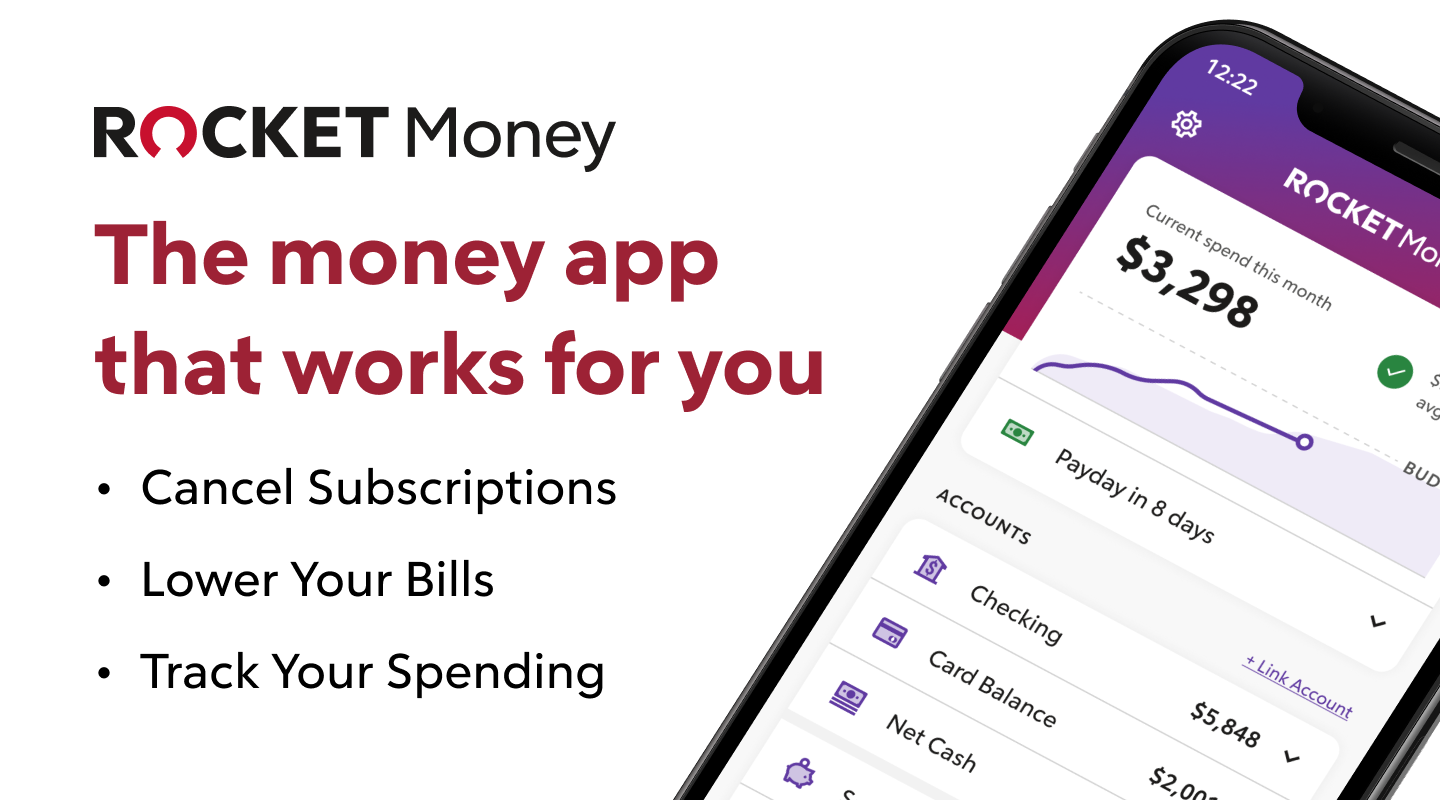
2. Rocket Money
Most of the apps on this list save you money over time. Rocket Money saves you money the moment you link your accounts.
Here’s the thing — most people are paying for at least one subscription right now they completely forgot they had. A free trial that quietly converted. A streaming service nobody’s used in months. A monthly fee buried in something you signed up for two phones ago. Rocket Money pulls every recurring charge across your linked accounts into one view, so you can finally see exactly what’s leaving your account each month and decide whether you actually want to keep paying for it. Over 10 million members are already using it.
What you get:
- Free to download. Subscription tracking, bill negotiation, and credit score visibility don’t require Premium.
- Premium ($7–$14/month, your choice). Unlocks cancellation requests on your behalf, net worth tracking, account balance alerts, and more granular budgeting tools. Every Premium plan starts with a 7-day free trial.
- Bill negotiation, free for everyone. Rocket Money’s negotiators contact your phone, cable, or electric provider on your behalf to try to talk them down. They take a success fee of 35%–60% of the first year’s savings (you choose where you’re comfortable). If they don’t save you money, you don’t pay anything.
- Bank-level encryption. Read-only access to your accounts via Plaid — your login credentials never sit on Rocket Money’s servers.
Best for: Anyone with more subscriptions than they can keep track of, or anyone tired of haggling with cable companies on their own.
Rocket Money has helped its members save over $880 million in canceled subscriptions to date, with $2.5 billion+ in total savings across cancellations, bill negotiations, and Smart Savings deposits. Figures are gross, based on internal Rocket Money data, and may not reflect any individual member’s net savings.
3. Acorns – Best Way to Save + Invest Small Change
-
- Best for: Investing spare change on autopilot
- Cost: $3/month – personal, $5/month – family
- Rating in Google Play: 4.6
- Rating in App Store: 4.7
Acorns is the best way to start investing if you live paycheck-to-paycheck.
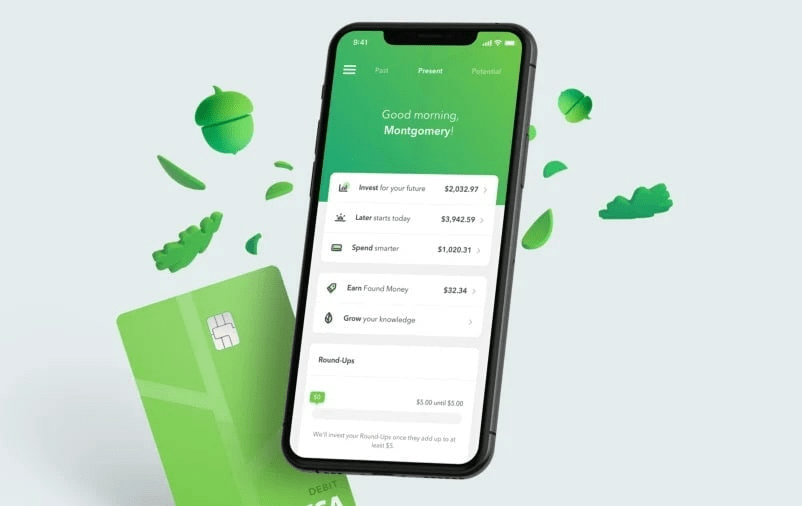
Acorns automates your investing by depositing your spare change into diversified portfolios. It does this via its Roundup feature.
Let’s say you buy a breakfast bagel for $1.50. Acorns will automatically “roundup” your purchase to $2 – $1.50 going to your bagel and the other $0.50 going into your Acorns portfolio. In this way, each purchase you make will cause a small contribution to be made to your investment portfolio.
You don’t need to lift a finger and, best of all, you won’t even notice the money is gone. It’s one of the best apps to save money and one the best stock apps overall. Plus, right now you can get a $20 bonus when you set up your first recurring investment! Just click the link below to get started.
4. Mint (Now Part of Credit Karma)
- Best for: Everyone
- Cost: Free
- Rating in Google Play: 4.3
- Rating in App Store: 4.8
Mint is a financial dashboard where you can link your cash, savings, credit card, loan, bill, and investment accounts and effortlessly track your entire financial picture.
No need for multiple apps: You can do it all on Mint.
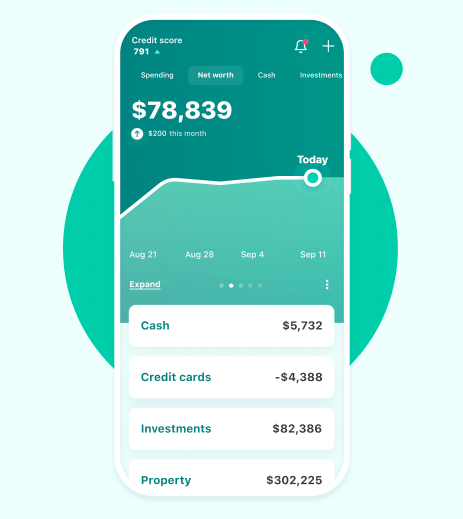
Besides having a complete picture of your financial situation, the major benefit of Mint is expense tracking. Check out Mint vs Personal Capital for more details on this particular feature.
It’s easy to lose sight of where your money is going. Mint breaks down your spending per category so you can find opportunities to save. It also notifies you of upcoming bills and any increases in subscription costs so you never miss a thing.
Plus, it’s 100% free.
Mint is the only app on this list I think everyone should have on their phone.
5. Qapital – The App That Saves Money For You
- Best for: Automatic saving and investing
- Cost: $3, $6, or $12 per month
- Rating in Google Play: 4.3
- Rating in App Store: 4.8
Qapital is one of the most powerful money saving apps in 2026.
It is built to automate your savings and investing and makes growing your net worth simple and easy.
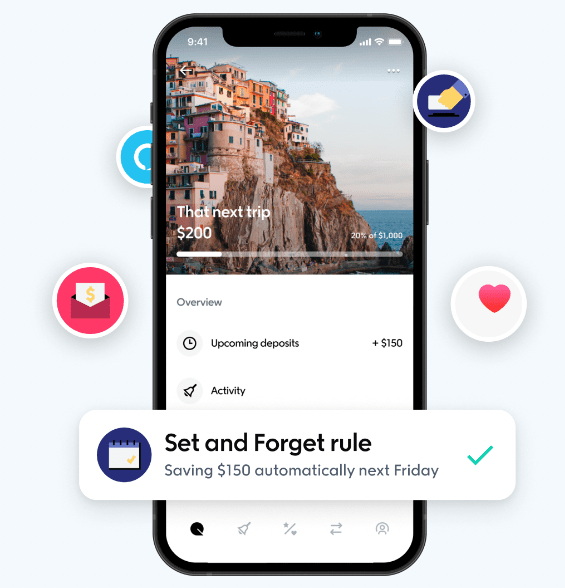
Qapital has 6 primary features: Savings, Investing, Budgeting, Dream Team, and Debt Wrangler.
Each feature has a number of “Rules” you can utilize to automatically make progress toward your goals. These Rules are what makes Qapital so powerful.
For example, Qapital’s Guilty Pleasure Rule automatically saves money every time you buy an iced coffee or sweet treat.
With its IFTTT (If This Then That) Rule, you can even save money every time you Tweet or hit a step goal with FitBit!
Instead of relying on self-discipline, Qapital was built to automate your financial decision-making so you can make a good decision one time and reap the benefits of automation.
Qapital is the perfect tool for individuals and couples. You can create individual and shared goals, contribute individually or together.
Qapital is powerful, cheap, and easy-to-use. It will get your money off your mind as you make consistent progress toward your financial goals. It’s the best app that saves money for you.
6. Chime – The Best Savings App
- Best for: Mobile banking
- Cost: Free
- Rating in Google Play: 4.8
- Rating in App Store: 4.8
Chime is a mobile banking app founded on the premise that banking services should be helpful, easy, and free. But is Chime legit?
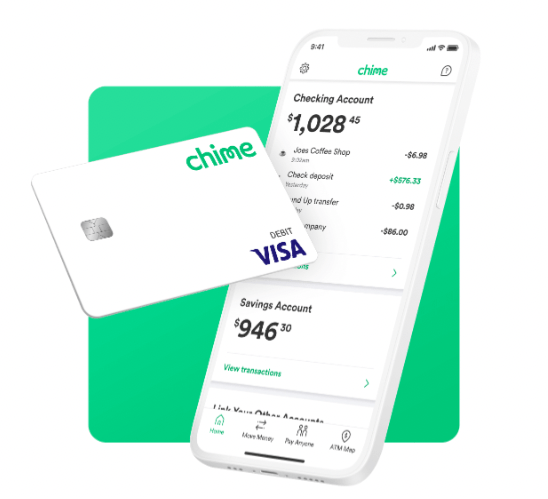
Chime does not charge overdraft fees or service fees and has no minimum balance requirements.
You can turn on direct deposit, earn a 2.00% APY (much higher than the national average), send money to friends and family, and build credit with a Chime credit card.
You can also set up automations to move money into your savings account and turn on balance and spending notifications.
Chime is the best mobile banking app in 2026.
7. Goodbudget
- Best for: Advanced budgeting
- Cost: $6/month or $60/year
- Rating in Google Play: 4.3
- Rating in App Store: 4.7
Goodbudget puts a premium on tracking your expenses – if you can manage your expenses, you will grow your net worth. It’s one of the best apps that help save money.
If the $60/year fee is a major drawback for you, find out about a free alternative in our Albert app review.
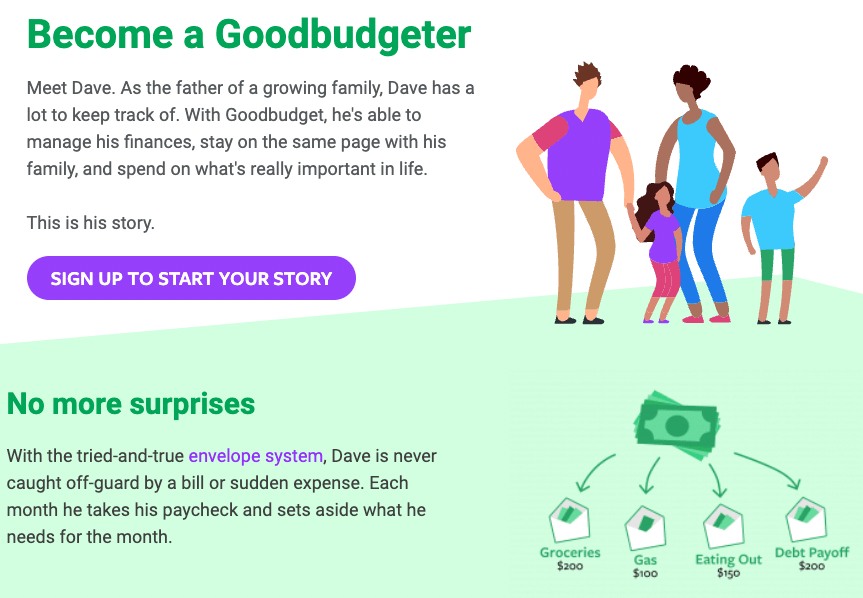
Goodbudget is based on using an envelope system where the cash for each month’s expenses is divided into envelopes for each budget category (like groceries, eating out, debt payoff, kids, entertainment, clothes, etc.). Throughout the month, you take money out of the designated envelope to spend on each category. Stop once you’ve emptied the envelope.
Rather than find out you overspent after the fact, the envelope system will help you plan your spending beforehand.
Goodbudget is the envelope system with an important twist: Working with debit and credit cards (not cash) on its mobile app.
8. Digit
- Best for: Simplicity
- Cost: $5/month
- Rating in Google Play: 4.5
- Rating in App Store: 4.7
Digit calculates how much you can save based on your spending and income patterns in a linked bank account (if you’re looking for a bank to use, make sure to take advantage of the best bank bonuses).
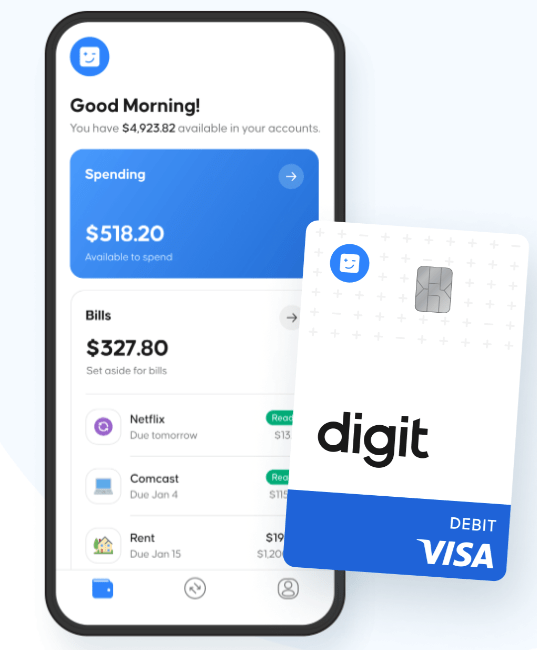
Instead of setting up inflexible rules, Digit will automatically deposit savings based on how much cash you have available. You can set up a maximum amount to deduct, but it won’t deduct the maximum if you are short on cash. Digit will determine if you can withdraw money into your savings or wait until you’re in a better financial position.
This automatic flexibility makes it one of the best apps to save money in 2026.
The app is currently going through a rebranding and will change its name to Oportun.
Final Word: Apps That Help Save Money
There are plenty of money saving apps for you to choose from. Based on your goals and current financial situation, you should choose the app or 2 that are best suited for your needs.
Personally, I’m blown away by the sophistication and power of Qapital. Plus, it’s incredibly easy to use.
If you skipped to the bottom: Rocket Money also earned a spot on our list — it’s the fastest way to find money you didn’t know you were spending. We’ve also got a complete Rocket Money review if you want a deeper breakdown before signing up.
Everyone with a healthy financial life will tell you the same thing: Don’t overcomplicate it – make a decision once then automate it. You don’t need to rely on self-discipline to build a solid net worth.
Grab one of the best money saving apps from the list above and get started today. You may also be interested in reading our article on stock apps for teens or the best cheap stocks to buy now.
FAQs:
Is there an app that saves money for you?
There are many apps that save money for you. Top picks include Rocket Money for tracking forgotten subscriptions and negotiating bills, Empower for budgeting and net worth tracking, and Acorns for automated micro-investing.
What is the best savings app?
The best savings app is Chime. It’s a mobile banking solution that is perfect for 21st century banking.
How much should I have in savings?
Most financial advisors recommending having 6-8 months worth of expenses in savings as an emergency fund. This fund will be your safety net in case of unexpected situations, such as loss of a job, an injury, or a car accident.
Where to Invest $1,000 Right Now?
Did you know that stocks rated as "Buy" by the Top Analysts in WallStreetZen's database beat the S&P500 by 98.4% last year?
Our June report reveals the 3 "Strong Buy" stocks that market-beating analysts predict will outperform over the next year.